 MyRecon OSINT
A Digital Footprint Audit Worksheet for Your Own Accounts
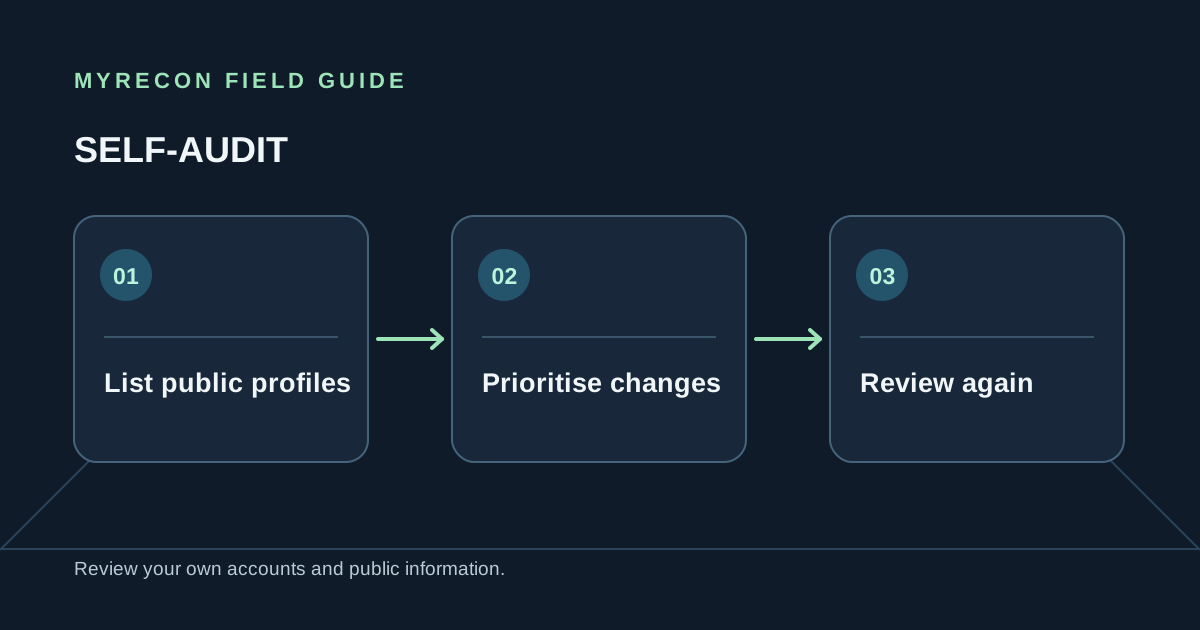
A footprint audit works best as a short, repeatable checklist. It turns “I should clean up my online presence” into a set of actions you can complete and revisit. Use it for your own accounts or a footprint you are authorised to manage.
Make a private inventory
Write down the services and profiles you can confirm are yours. Check saved logins, old inboxes, password-manager entries and handles you previously used. If a public search surfaces a similar profile, mark it “unconfirmed” until you establish control through the provider's official sign-in or recovery flow.
A simple table is enough:
| Service | Handle or email hint | Action | Follow-up date |
|---|---|---|---|
| Example profile | Private note | Review visibility | Choose a date |
| Old account | Private note | Export, then delete | After provider's waiting period |
Prioritise the accounts with the most impact
- Secure your main email first. It can reset access to other services.
- Fix reused passwords. Give every active account a unique password and enable two-factor authentication.
- Reduce sensitive public details. Review phone numbers, precise locations, routines, workplace and family information.
- Close dormant accounts you control. Export data, cancel billing and move connected logins before requesting deletion.
- Handle copies separately. Ask the source site, data broker or search engine to remove material through its own process.
Track the result without creating a new risk
Record the action, request date and confirmation status. Do not put passwords, one-time codes, recovery answers, government identifiers or private messages in the worksheet. If you store notes online, protect that account with a unique password and multi-factor authentication.
MyRecon can help you check a username you control against public profile pages and check an email address against known breach data. Search results can be incomplete, and a matching handle may belong to somebody else. For detailed steps, see finding your own old accounts, deleting old accounts and our digital footprint guide.
Want help carrying out your own cleanup? MyRecon's footprint removal service can help verify findings and work through requests for your own or formally authorised footprint. A removal request is not a guarantee that every copy will disappear.
Use these checks for your own accounts or work you are authorised to do. MyRecon reports public-source results; a matching handle is not proof that two accounts belong to the same person. See our terms and privacy policy.