 MyRecon OSINT
How to Delete Old Online Accounts Safely
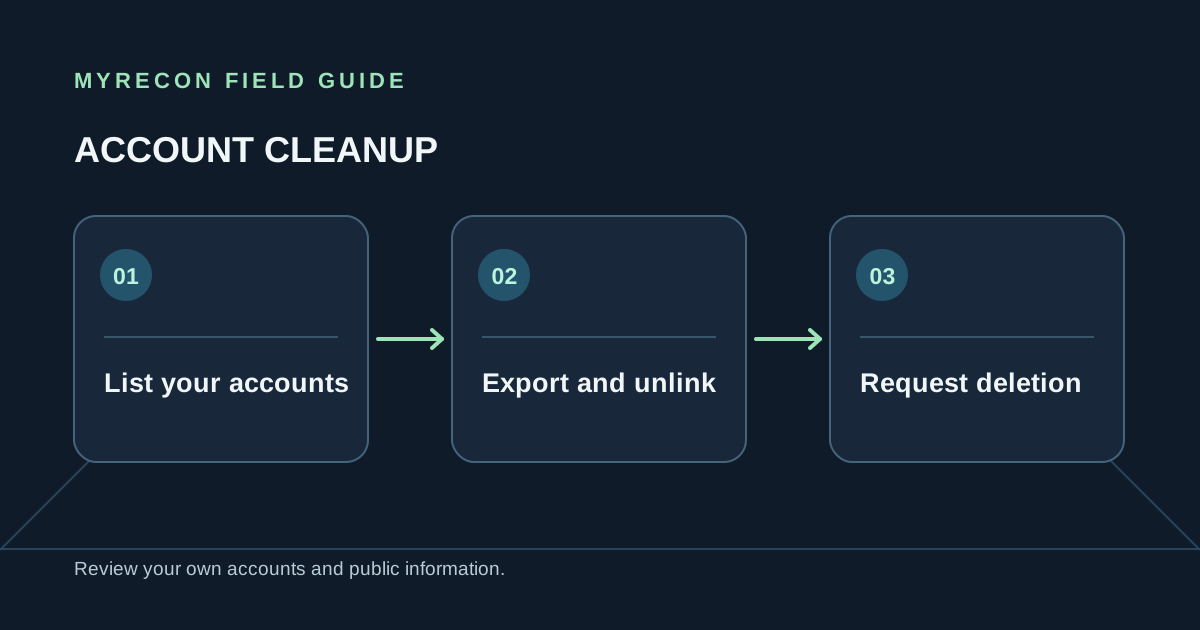
Dormant accounts can hold old posts, personal details, recovery addresses and reused passwords. Closing them takes a little preparation, especially when the service is tied to a subscription or another account.
Make a list of accounts you control
Start with your password manager, browser-saved logins and inbox. Search your own email for phrases such as “welcome,” “verify your account,” “receipt,” “subscription” and “password reset.” Check old email addresses and payment records you can lawfully access. A public username search can suggest services where a handle appears, but similar names may belong to other people; confirm control by signing in or using the platform's recovery process.
Keep a private checklist with the service, username or email used, whether you can still sign in, and the action you plan to take. Do not record passwords, recovery answers or one-time codes in that document.
Prepare before you close the account
- Export what you want to keep. Save photos, contacts, receipts or files using the service's own download feature.
- Cancel billing separately. Deleting an app or profile may not stop a subscription managed by an app store or payment provider.
- Move sign-ins and recovery links. Update other accounts that use this address or account to sign in.
- Remove connected-app access. Revoke integrations you no longer need from both the service and any connected account.
- Check ownership and access. If you cannot sign in, use the provider's official recovery route before requesting closure.
Request deletion, then keep a record
Use the service's account or privacy settings and read the confirmation carefully. Deactivation, hiding a profile and deletion are different actions. Some providers offer a waiting period in which signing back in cancels the request; some retain limited records for legal, security or billing reasons. The service's current policy explains what applies.
Save the confirmation and the date you submitted the request. After the stated waiting period, check whether the profile is still accessible while signed out. If it remains in a search engine, handle that as a separate removal request: search engines can remove a result from their listings, but the source page must be deleted or changed by the site that hosts it.
When an account will not close
Try the provider's privacy or support request route. Explain that it is your account, provide only the information the official process needs, and keep a copy of the request. Avoid sending identity documents to an address you found in an unofficial forum. If the account belongs to someone else or you cannot establish that it is yours, do not attempt to access or close it.
MyRecon's footprint removal service can help with your own or formally authorised cleanup, including preparing requests where a site accepts them. Some account deletions still require the account holder to act directly. See also our digital footprint guide.
Deletion is not instant erasure. Cached snippets, screenshots, archives and copies held by other people may persist. Close the source account first, then follow up with the relevant search engine or site where its removal process applies.
Use these checks for your own accounts or work you are authorised to do. MyRecon reports public-source results; a matching handle is not proof that two accounts belong to the same person. See our terms and privacy policy.