 MyRecon OSINT
How to Find Your Own Old Social Media Accounts
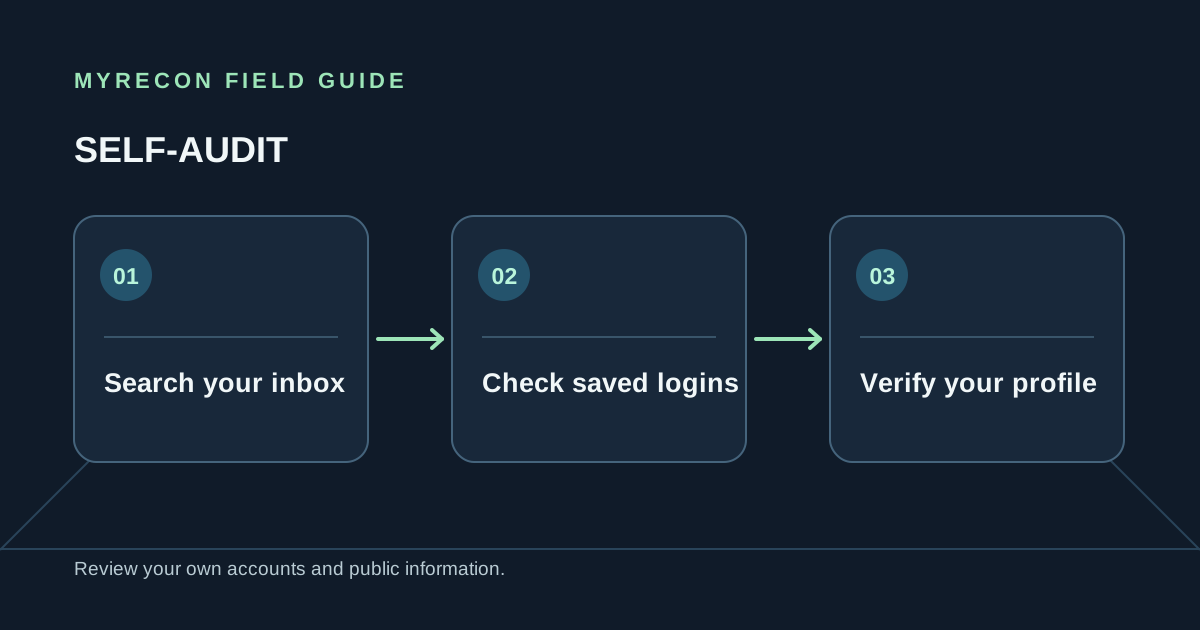
Forgotten profiles often come from old email addresses, school-era handles or services you used once and never revisited. A careful self-audit can help you find accounts you control and decide whether to secure, update or close them.
Start with records only you can access
- Check your password manager and browser logins. Search for old services and review entries you no longer recognise.
- Search each of your inboxes. Terms like “welcome,” “confirm,” “verify,” “receipt” and “reset your password” can uncover sign-ups.
- Review old usernames. Write down handles you used, including spelling variations you remember. Keep this list private.
- Check subscriptions and app-store history. Past billing can reveal an account that is otherwise easy to forget.
- Review connected sign-ins. The account settings for an email or social login may list services that use it.
Use a public search as a lead, not a verdict
You can search your own handle in a search engine or use MyRecon's public username search to see which profile pages appear to use it. A username is not unique proof of identity: an unrelated person may have the same string. A useful lead still needs confirmation that you control the account.
Confirm ownership by signing in or using the service's official account recovery flow. Do not try guessed passwords, use another person's recovery details or ask a tool to reveal private account information. If you cannot establish control, leave the account alone.
Decide what to do with each account
For each confirmed account, note whether you still use it, whether it contains information you need, and whether another service depends on it. Secure active accounts with unique passwords, current recovery methods and two-factor authentication. For accounts you no longer need, first export data, cancel billing and move linked sign-ins before requesting deletion.
Keep a private record of the request date and confirmation. Search-engine caches and copies on other sites may need separate removal requests after the source profile is closed. The account deletion checklist explains that sequence.
Keep the scope personal. These steps are for accounts you own or are authorised to manage. A matching handle does not make an account yours, and public-profile search cannot identify who operates a profile with certainty.
Use these checks for your own accounts or work you are authorised to do. MyRecon reports public-source results; a matching handle is not proof that two accounts belong to the same person. See our terms and privacy policy.