 MyRecon OSINT
Instagram Privacy Audit: A Checklist for Your Own Account
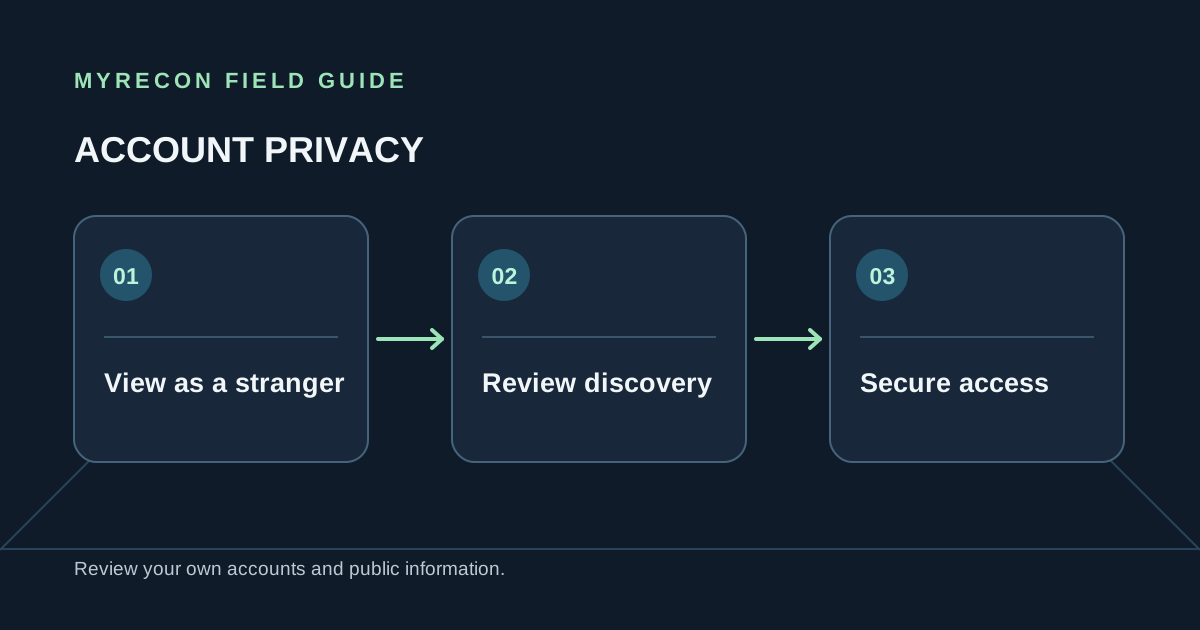
A useful Instagram privacy check starts with a simple question: what can a person learn about you without following you or sending a message? This guide is for reviewing an account you own or are authorised to manage.
View your profile as a stranger would
Open a private browser window and sign out. Visit your profile and write down what is visible: your handle, name, bio, profile photo, links, highlights, tagged content, follower information and recent posts. Check whether your bio or older posts disclose a school, workplace, routine, home area or personal contact detail.
Do not assume that changing an account to private hides every detail. Profile basics can remain visible so people can identify the account, and approved followers can still copy or share what they see. A privacy setting narrows an audience; it cannot recall screenshots or remove information posted elsewhere.
Review the settings that shape discovery
Instagram changes menu names and locations over time, so use the app's settings search or the current Instagram Help Center rather than relying on an old screenshot. Review the controls for:
- Account visibility: whether the account and posts should be public or limited to approved followers.
- Tags and mentions: who can tag or mention you, and whether tags need your approval before appearing on your profile.
- Messages and comments: who can contact you, add you to group chats, comment or reply to stories.
- Contact discovery: whether uploaded contacts or linked phone and email details make it easier for people to find the account.
- Location: whether posts, stories or device permissions reveal a place or recurring routine.
- Connected apps: remove third-party services you no longer recognise or use.
Secure the account as well as the profile
Use a unique password and enable two-factor authentication. Confirm that the recovery email and phone are yours and still accessible. Review active sessions and login alerts, then remove devices you do not recognise. If you share a device, sign out when you finish and protect the device itself with a passcode.
If the account is compromised, use Instagram's current official recovery flow. Do not pay someone who claims they can recover an account through a private contact or a special back door, and never share a login code.
If you want fewer links between accounts
Look at the handle, profile image, bio links and repeated contact details across accounts you control. A username reused everywhere can connect contexts even when individual profiles are private. Consider a distinct handle and contact address for accounts that serve different purposes. See how username reuse affects privacy.
MyRecon can check public profile pages for a handle you control. A match is not proof of ownership, and the tool cannot access private posts, bypass a login or tell you who runs an account. For a broader review, use the social media privacy guide.
Before deleting: download anything you want to keep, review subscriptions and linked services, and confirm you can still access the recovery email. Our account deletion checklist covers the rest.
Use these checks for your own accounts or work you are authorised to do. MyRecon reports public-source results; a matching handle is not proof that two accounts belong to the same person. See our terms and privacy policy.