 MyRecon OSINT
How Reusing a Username Can Connect Your Accounts
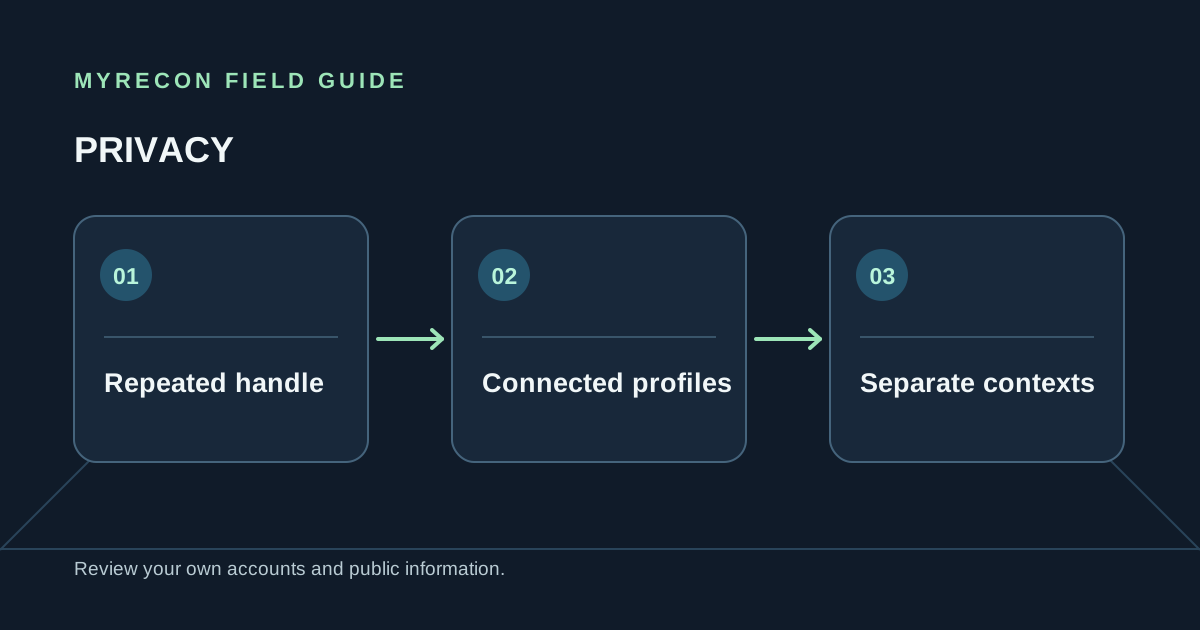
Using one memorable handle everywhere is convenient. It can also make separate parts of your online life easier to connect. If you want clearer boundaries between accounts, review the handles you control and decide where reuse still makes sense.
Why a repeated handle creates a link
Search engines and public username tools can find pages that use the same string. A profile may then expose a link to another account, a personal site, a public email or a shared photo. Each clue may be ordinary on its own; together they can connect an account to a work, hobby or community profile.
This is not proof that every matching profile belongs to the same person. Handles can be popular, copied or reassigned. Treat a result as a prompt to check your own exposure, not as a basis for identifying somebody else.
Audit your own handles
- List the usernames you currently use and the old ones you remember.
- Search each one while signed out and note the public profiles you can confirm are yours.
- Check bios, profile images, personal links and public contact details for connections you did not intend.
- Close or update old accounts you control, then review search results again after the source changes.
MyRecon's username sweep can help with this self-audit by checking public profile pages. Results are confidence-scored, but a match still needs your own confirmation. Read how username searches work and why some tools produce false matches.
Choose separate handles for separate contexts
For accounts you create in the future, consider whether you want the same public identity across each service. A distinct handle for a professional portfolio, a public hobby account and a private community can reduce accidental cross-linking. Use a password manager so separate names do not lead to predictable password variations.
Changing a handle does not remove old posts, archived profile pages or links other people made. Review the old account itself, update pages you control and request removal where a service provides a process. Do not promise yourself anonymity: writing style, links, images, contacts and public records can still reveal connections.
Privacy is about choice, not invisibility. Pick the audience and linkability you are comfortable with, then review it periodically. The social media privacy guide covers the other public details to check.
Use these checks for your own accounts or work you are authorised to do. MyRecon reports public-source results; a matching handle is not proof that two accounts belong to the same person. See our terms and privacy policy.