 MyRecon OSINT
Delete or Deactivate an Account? How to Choose
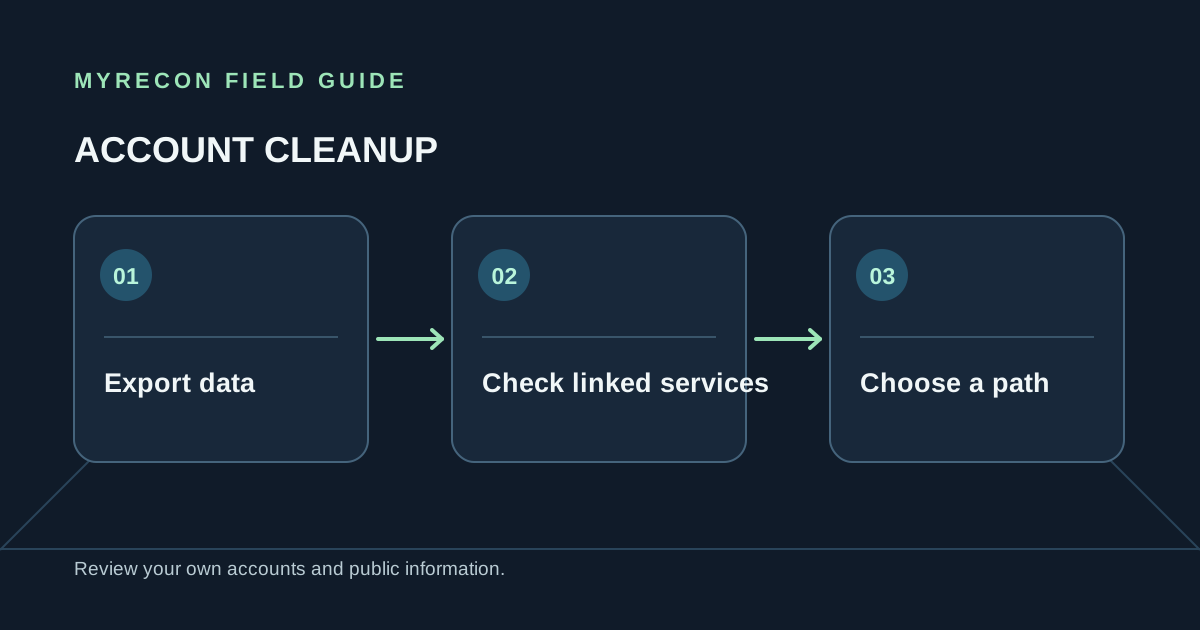
A deactivated account is usually hidden or paused. A deleted account is a request to close it and remove some or most associated data. The exact effect depends on the provider, so check its current policy before you choose.
What deactivation usually means
Deactivation is commonly designed to be reversible. Your profile may disappear from ordinary views while the service retains account data so you can return later. The platform may keep messages already delivered to other people, content others copied, and information it must retain for legal or security reasons.
Deactivation can be useful when you need a break, are unsure whether you want to leave, or need to preserve an account that is connected to other services. It is not a reliable way to remove a profile permanently from the web.
What a deletion request can do
A deletion request asks the provider to close the account and erase data covered by its policy. Some services give you a grace period before deletion is final. Signing in during that period can cancel the request. Other data may remain for a limited time in backups or records the provider has a lawful reason to keep.
Deletion at the source does not instantly remove screenshots, reposts, public archives or cached search results. Those need separate attention, and a search result can sometimes remain briefly after the source page changes.
Check these things before either choice
- Download photos, messages or files you want to keep.
- Cancel subscriptions through the place that bills you; app removal is not cancellation.
- Move any other account that uses this profile to sign in or recover access.
- Transfer ownership of groups, pages, projects or shared files.
- Review the provider's waiting period, retention policy and reactivation rules.
Choose based on what you need
If you only need a temporary break, deactivation may fit. If you have decided to leave and have saved what you need, request deletion and keep the confirmation. If your goal is to reduce what strangers can see while keeping the account, start with privacy settings and remove details from the public profile.
For a step-by-step closure process, use the old-account deletion checklist. If you are reviewing many accounts you own, start with the personal footprint audit worksheet. MyRecon's removal service is limited to your own footprint or work you are formally authorised to manage.
Use these checks for your own accounts or work you are authorised to do. MyRecon reports public-source results; a matching handle is not proof that two accounts belong to the same person. See our terms and privacy policy.