 MyRecon OSINT
Found an Old Account? Secure, Update or Delete It
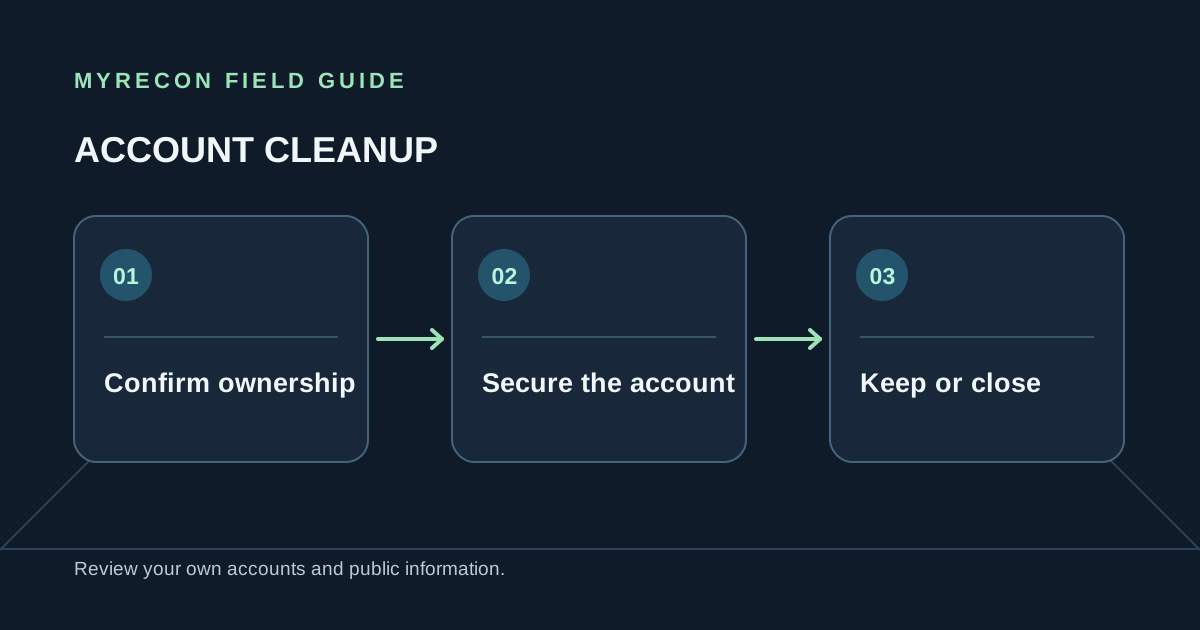
Finding a profile with an old handle is only the first step. Before changing or deleting anything, confirm that you control it. Similar names and reused usernames can point to somebody else's account.
Confirm that the account is yours
Sign in using a password you already manage or use the platform's official recovery process for an email or phone you control. Check that the account contains details you recognise. If you cannot prove control, do not attempt to enter it or submit a deletion request for it.
A username search can surface a likely profile, but it cannot prove who runs the account. Use the service's own access and recovery process as the authority for ownership.
If you want to keep it, secure it now
- Set a unique password using a password manager.
- Replace an outdated recovery email or phone with contact details you still control.
- Enable two-factor authentication and save recovery codes in a secure place.
- Review login sessions, connected applications and recent account activity.
- Remove public details you no longer want to share, and check who can find or contact you.
If the password was reused, change it anywhere else it appears. Secure your main email account first because it can reset access to many other services. Our guides explain password managers and two-factor authentication.
If you want to close it
Save anything important, check billing and connected logins, then use the provider's deletion option. Keep the confirmation and note whether there is a waiting period. If the account is already compromised and you cannot access it, use the platform's official recovery and hacked-account process before asking for closure.
Closing the profile is separate from removing a copy that a search engine, archive or another site already holds. Start with the source, then follow the relevant removal process for any remaining result. See how search-result removal works.
For a broader discovery routine, use the guide to finding your own old accounts. MyRecon's footprint removal support can help with accounts and listings you own or are formally authorised to manage.
Use these checks for your own accounts or work you are authorised to do. MyRecon reports public-source results; a matching handle is not proof that two accounts belong to the same person. See our terms and privacy policy.