 MyRecon OSINT
Why Online Privacy Matters, Even When You Have Nothing to Hide
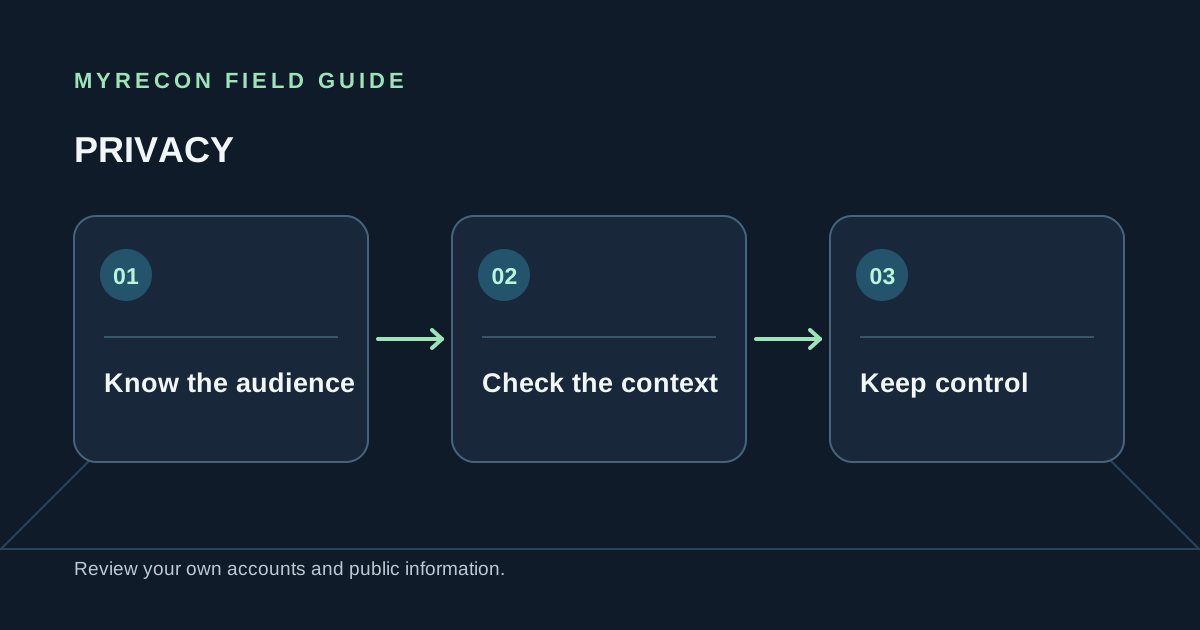
Privacy is the ability to choose what you share, with whom, and for how long. It is not a promise that nobody can ever see anything about you. It is control over the context around your information, and the chance to change your mind.
Public details do not stay separate
A username on one site may seem harmless. A public work profile, an old forum post and a photo with a location tag may each reveal little by themselves. When the same handle, email or photo appears across services, those fragments can be connected. Search engines, archives and data brokers can preserve copies after a profile changes.
This is why privacy is practical rather than abstract. Less unnecessary information in public makes impersonation, targeted scams and unwanted contact harder. It also gives you more say over how future employers, clients, communities and strangers encounter you.
Privacy helps you keep boundaries
Different parts of life often need different audiences. A public creative portfolio can coexist with a private family account. A professional profile can use a different contact address from shopping or newsletters. Separate handles and email aliases do not make someone untraceable, but they reduce accidental links between contexts.
Privacy settings are one part of that choice. Your bio, profile image, tagged posts, follower list and the details other people share about you may remain visible even when some posts are restricted. Review the whole page from a logged-out browser, not only the settings screen.
It reduces the cost of a mistake
Accounts are compromised, services change ownership, and data is copied. If an old account contains a reused password, a personal email or a decade of public posts, the consequences can outlast the service that collected them. Closing accounts you no longer need and using unique passwords cannot erase every copy, but it limits what remains under your control.
Privacy work is also a way to reduce stress. You should not have to wonder whether an old profile is still public or whether a data broker has an outdated address. A simple inventory and periodic review turn vague worry into a list of actions.
A manageable place to begin
- List the usernames and email addresses you have used, including older ones.
- Review profiles you control while signed out. Note public posts, personal details, tags and links.
- Secure important accounts with unique passwords, current recovery details and two-factor authentication.
- Delete or deactivate accounts you no longer need after checking subscriptions and exporting anything you want to keep.
- Request removal from the broker or site holding the information, then handle residual search results through the search engine's own process.
MyRecon can help you audit your own public username footprint and check breach exposure. The results are leads to review, not proof that every profile with the same handle is yours. Our social media privacy guide and digital footprint guide turn the review into specific next steps.
Need help with your own cleanup? MyRecon's footprint removal service can help verify your own or formally authorised findings and work through removal requests where a site offers that process. No service can erase every copy of information from the internet.
Use these checks for your own accounts or work you are authorised to do. MyRecon reports public-source results; a matching handle is not proof that two accounts belong to the same person. See our terms and privacy policy.