 MyRecon OSINT
How to Respond to a Social Media Impersonator
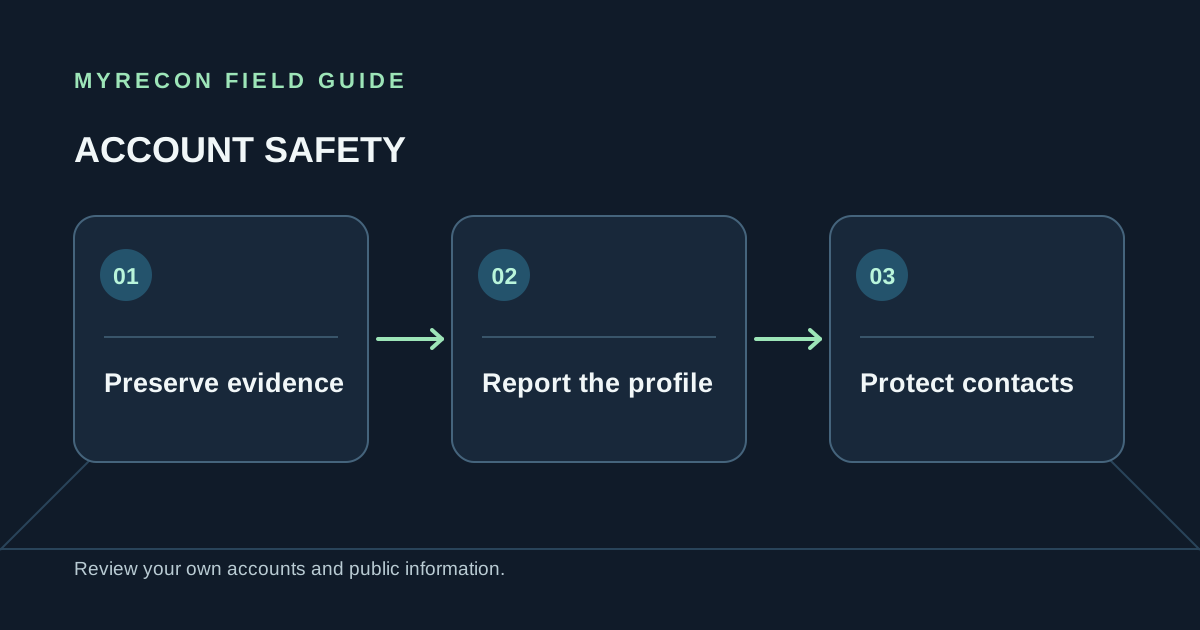
An impersonation profile can confuse friends, customers or colleagues, especially if it asks them for money or personal information. Preserve what happened, report it through the platform and secure accounts the impersonator may be copying.
Save evidence before reporting
Record the exact profile URL, account handle, display name, dates, and messages or posts that show the impersonation. Take screenshots that include enough context to show where the content appeared. Keep the original URLs and any report confirmation numbers in a private folder. Avoid reposting the profile publicly if that would expose more of your information or amplify it.
Use the platform's official reporting path
Report the account using the platform's built-in impersonation or identity-misuse option. Follow the current instructions in the service's help center; forms, evidence requirements and review times change. Ask affected friends or customers to report only if they personally received a fraudulent message or the platform requests it. Do not encourage mass reporting or contact the account to threaten or provoke its operator.
If the account is using your photos or name, explain that clearly and include the evidence the platform requests. If it is impersonating a business, use the business verification or intellectual-property route where appropriate.
Secure the accounts it may be copying
Change reused passwords, enable two-factor authentication, review recovery details and sign out unknown sessions. Warn people through a channel you already control, such as your established website or a known account. Keep the warning brief: identify the false account and tell people not to send money, login codes or documents to it.
If anyone has paid, shared a financial credential or lost access, contact the relevant bank or service promptly and use its official fraud or account recovery process. For credible threats, extortion or immediate danger, preserve evidence and contact the appropriate local authorities.
Know what a report can and cannot establish
A username search tool cannot identify the person operating an impersonation account. Similar handles and copied profile photos do not establish who made it. Avoid publishing accusations based on a guess, and do not try to access the account or expose its operator. The platform's review process is the right route for removing a profile that violates its rules.
For an account you control that has been taken over, follow our first-hour hacked-account guide. You can also review two-factor authentication and social media privacy settings.
Use these checks for your own accounts or work you are authorised to do. MyRecon reports public-source results; a matching handle is not proof that two accounts belong to the same person. See our terms and privacy policy.